
Secure Webhosting on Azure

Hey everyone 404Robbie here and today I am working in the cloud! I am going to cover how to securely host your website on the cloud and introduce WAF's and a secure IAM account with MFA and overal safety when creating a website on Azure.
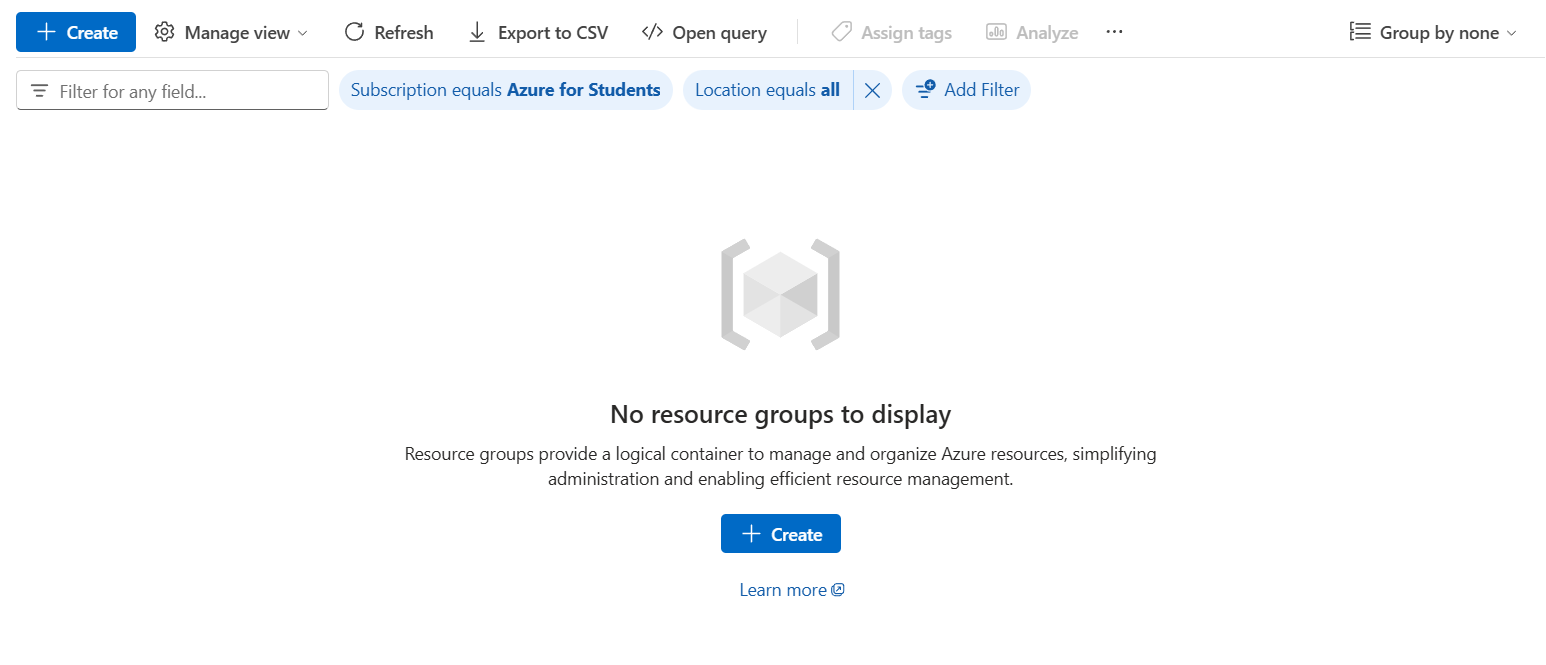
- Create a resource group
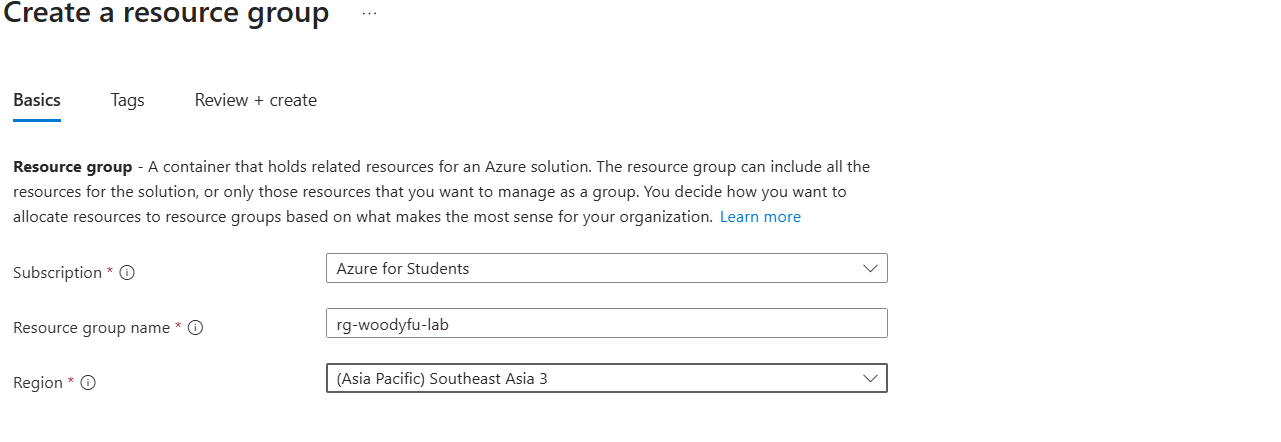
- Fill out your resource group info
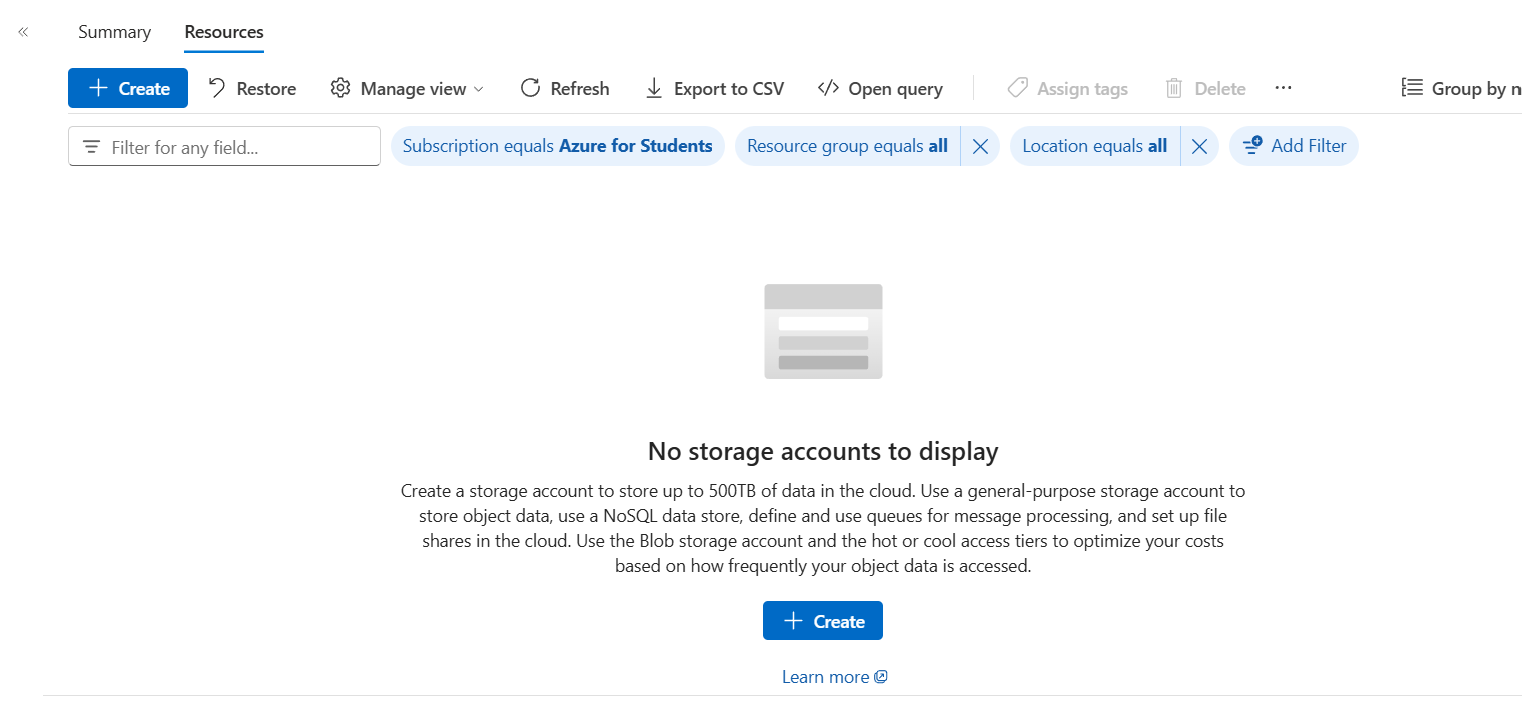
- Make a storage account
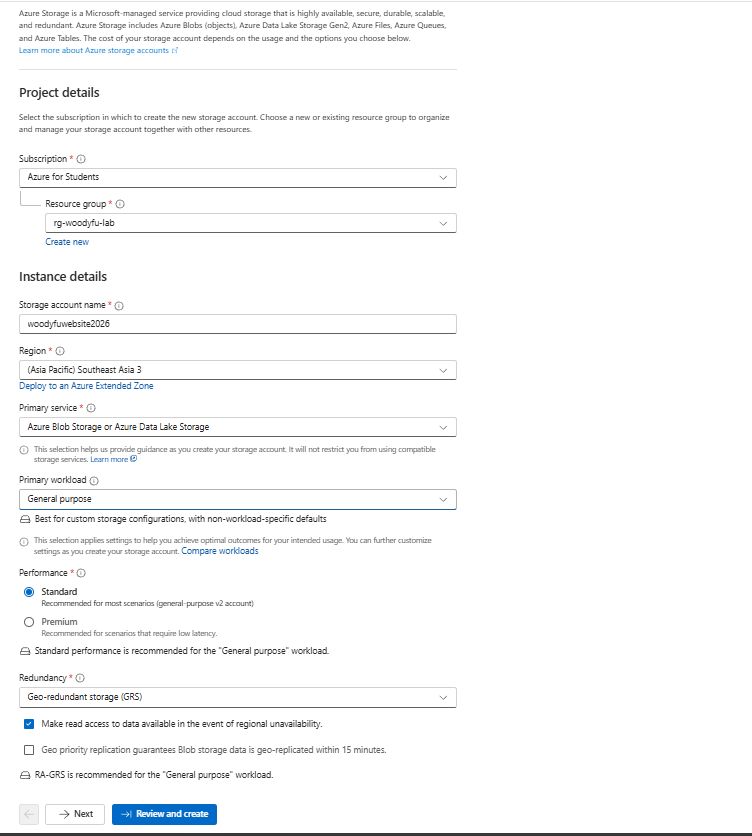
- Fill out all storage account info
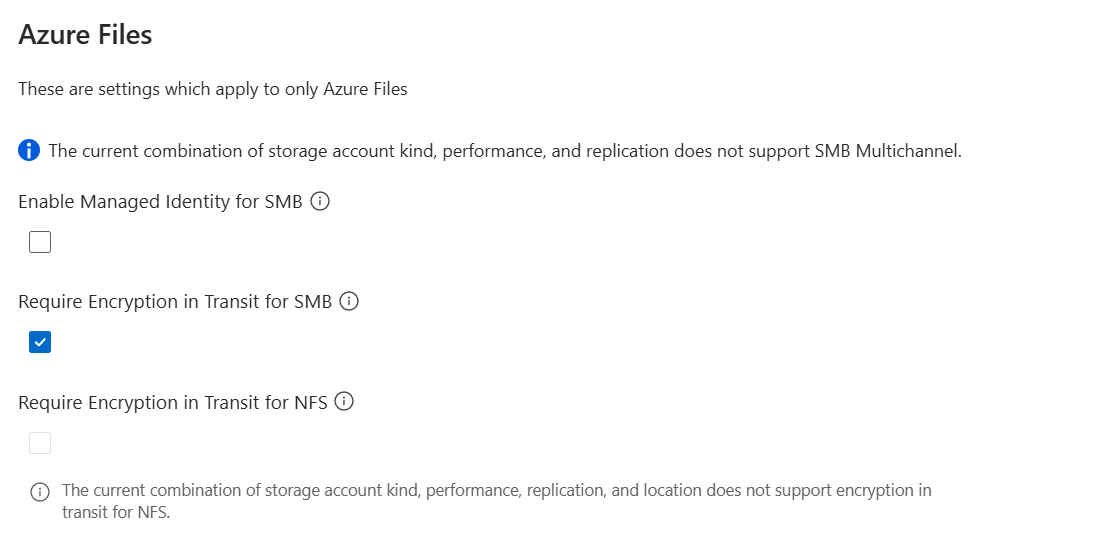
- Enable encryption file transfer
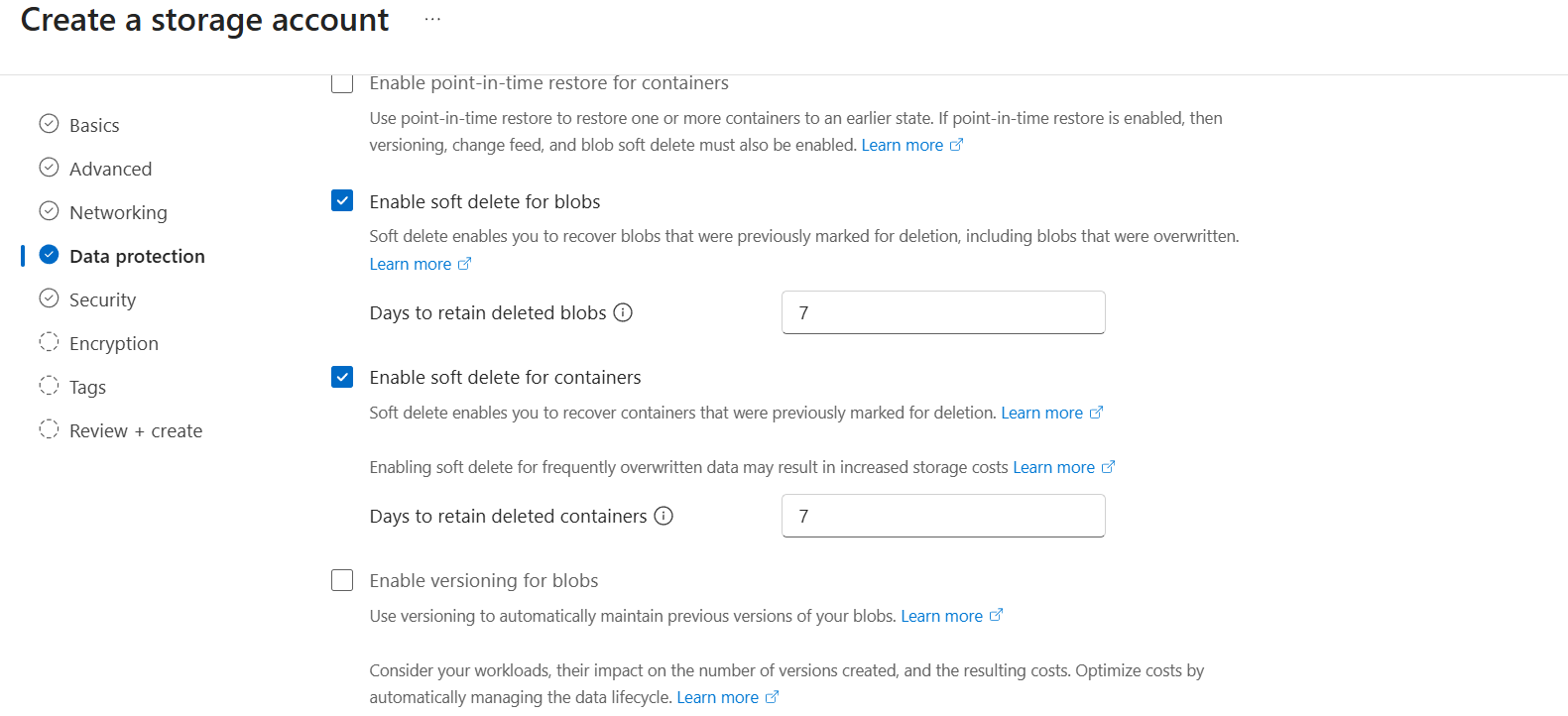
- Enable soft delete blogs and containers and have a retention of 7 days or whatever your preference
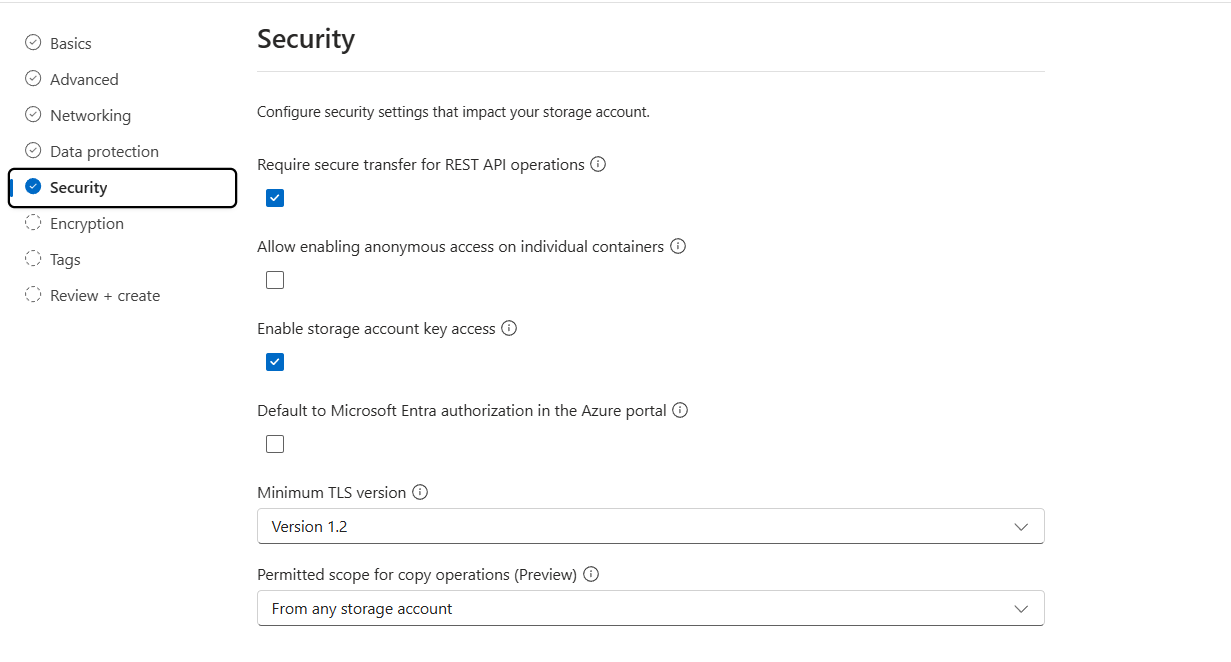
- Leave Security section as default
- Leave encryption and tags at default for now and create.
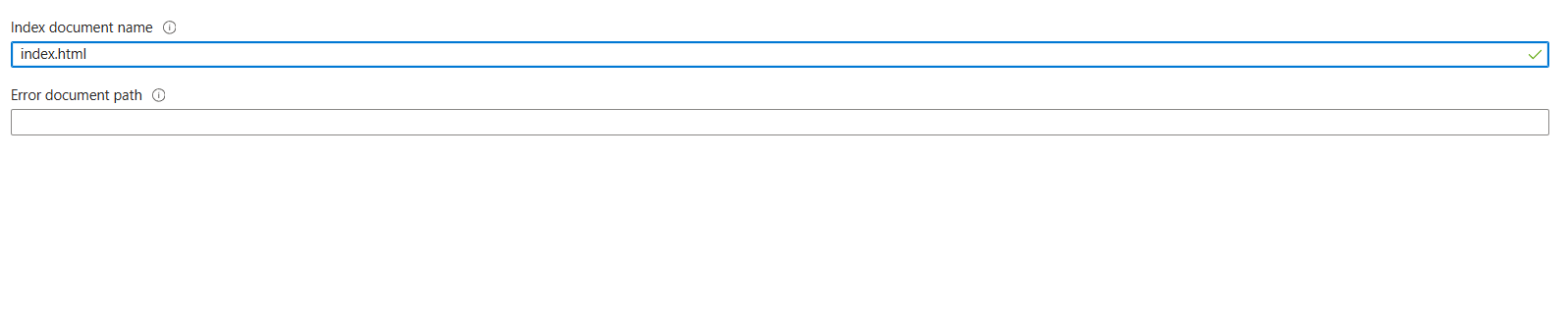
- Next go your new resource and choose Data Management > Static website and enable
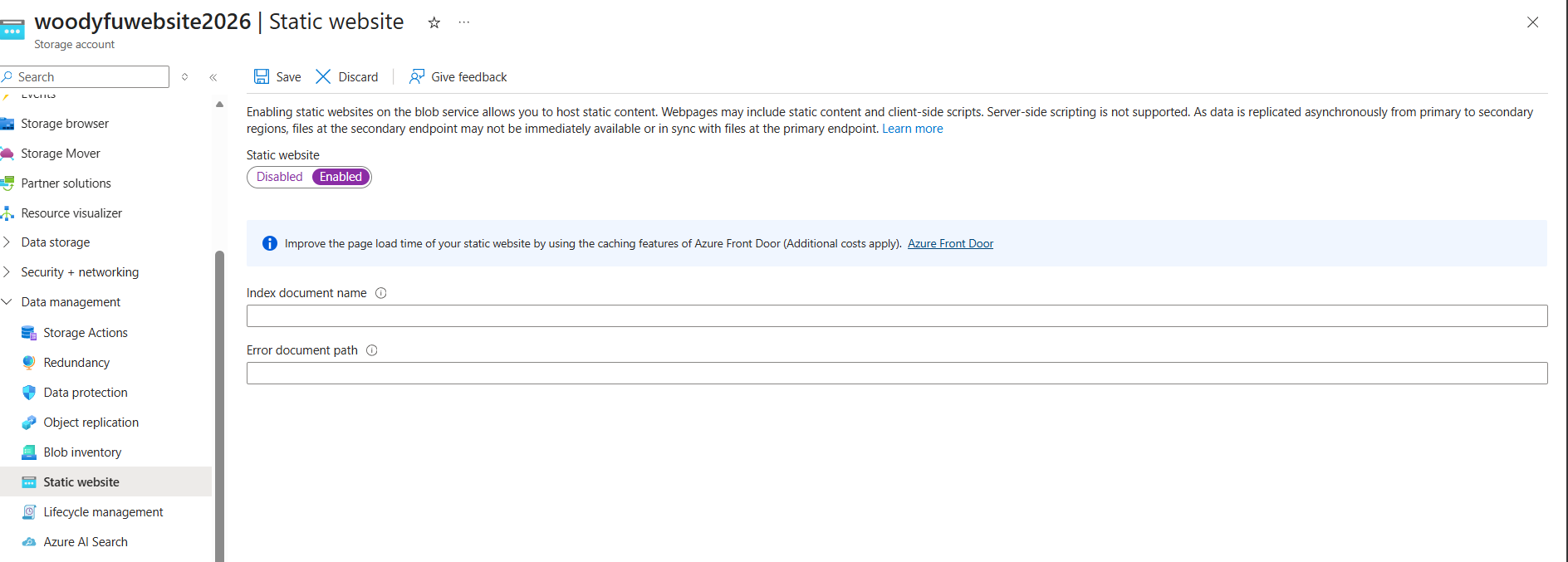
- Add the index.html document name and leave error path blank
- Next go to Data Storage > containers > $web
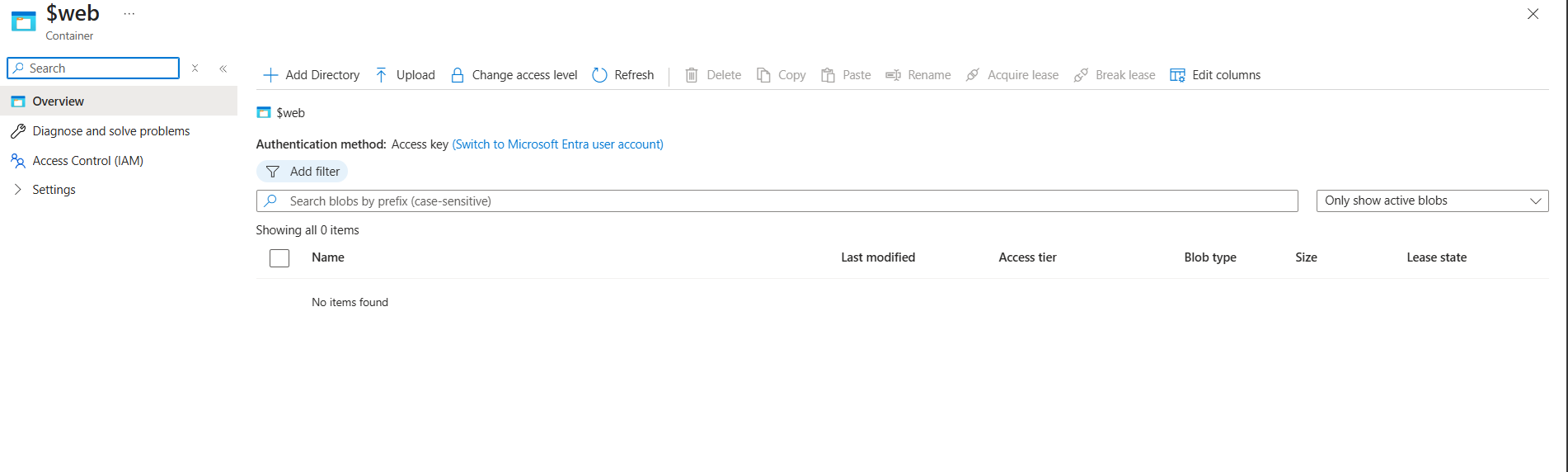
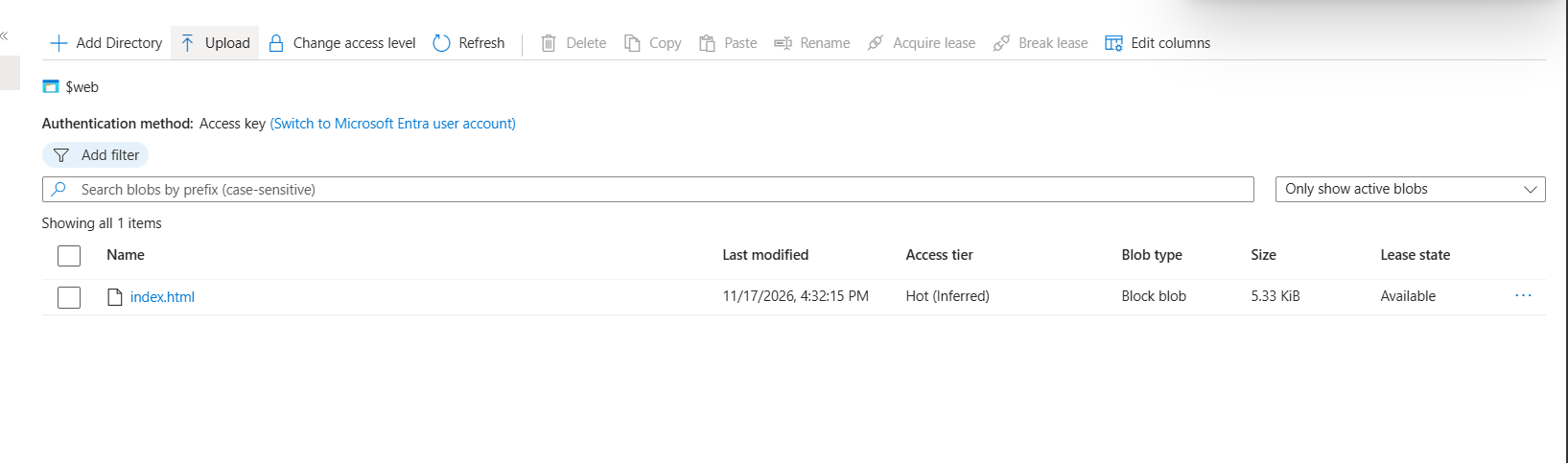
- upload
- Copy the URL and check your website works
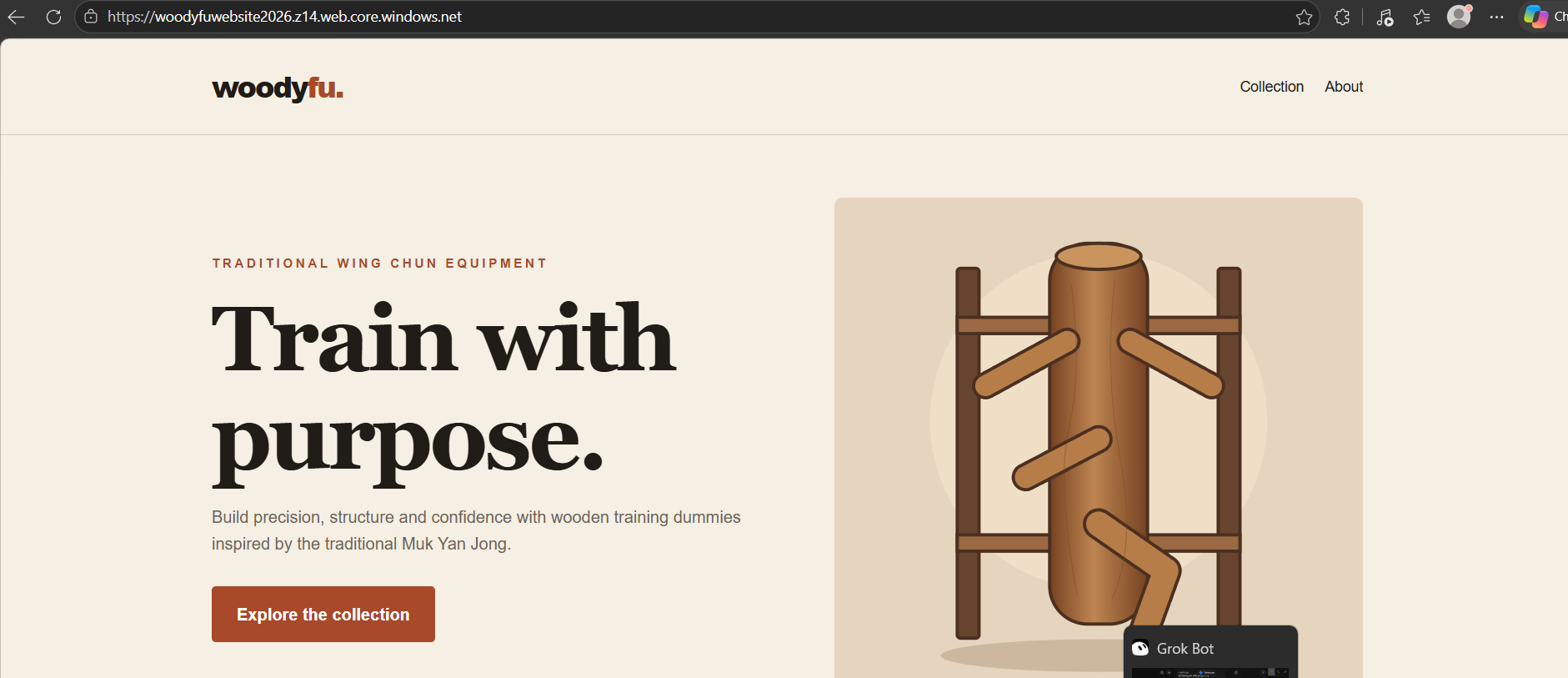
Now that we are live, Lets start Securing
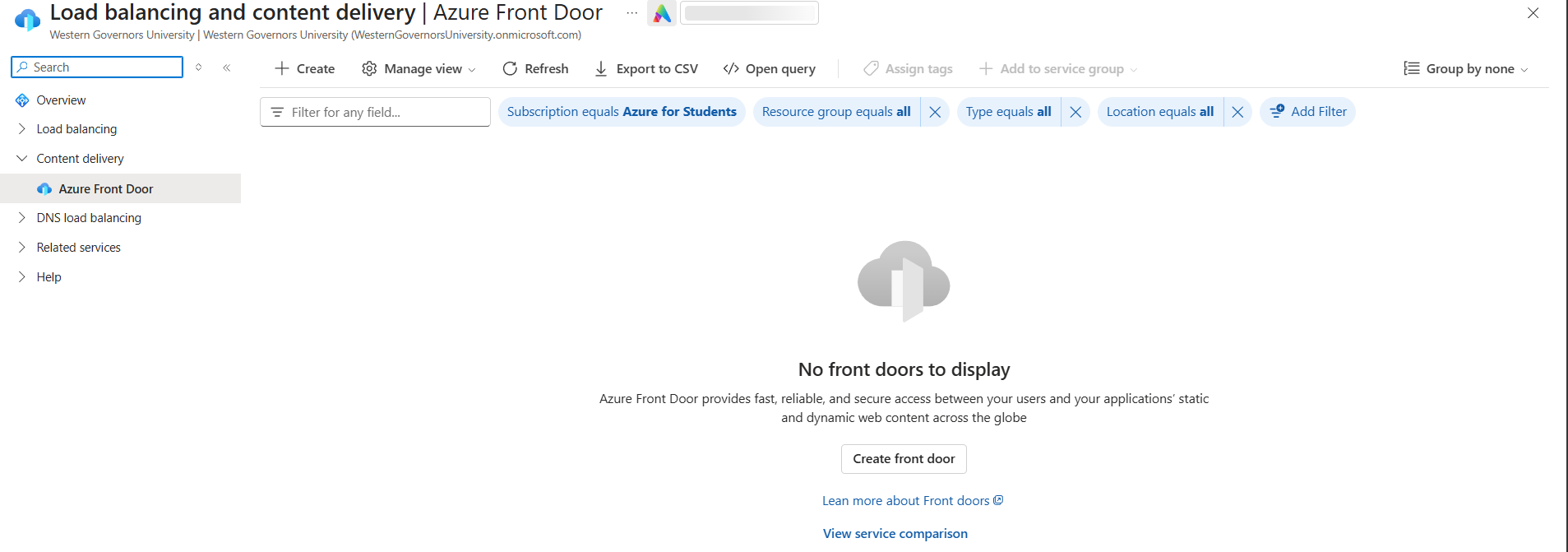
Next lets create a frontdoor
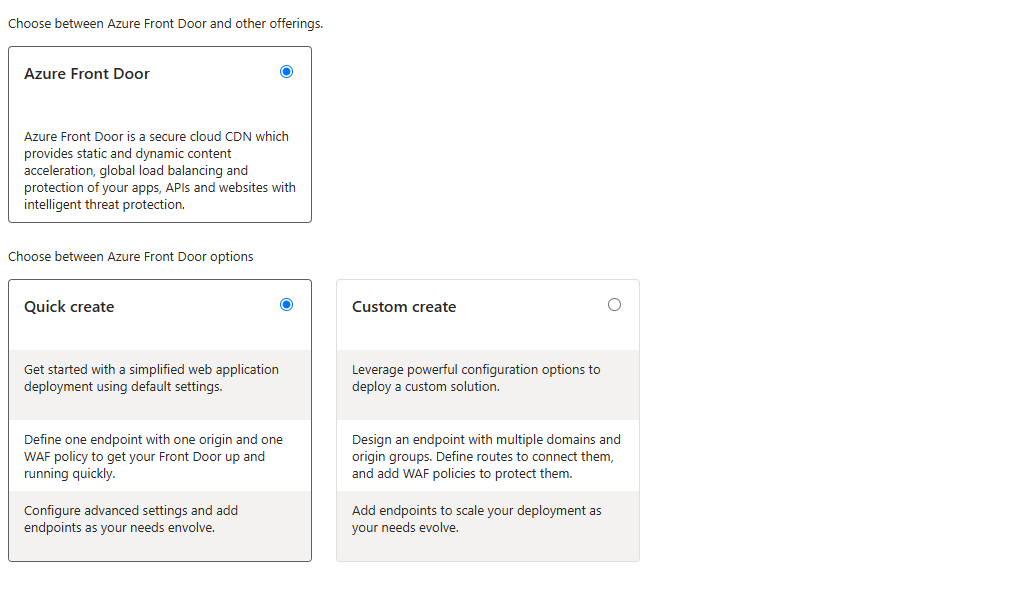
For our purpose lets click quick create
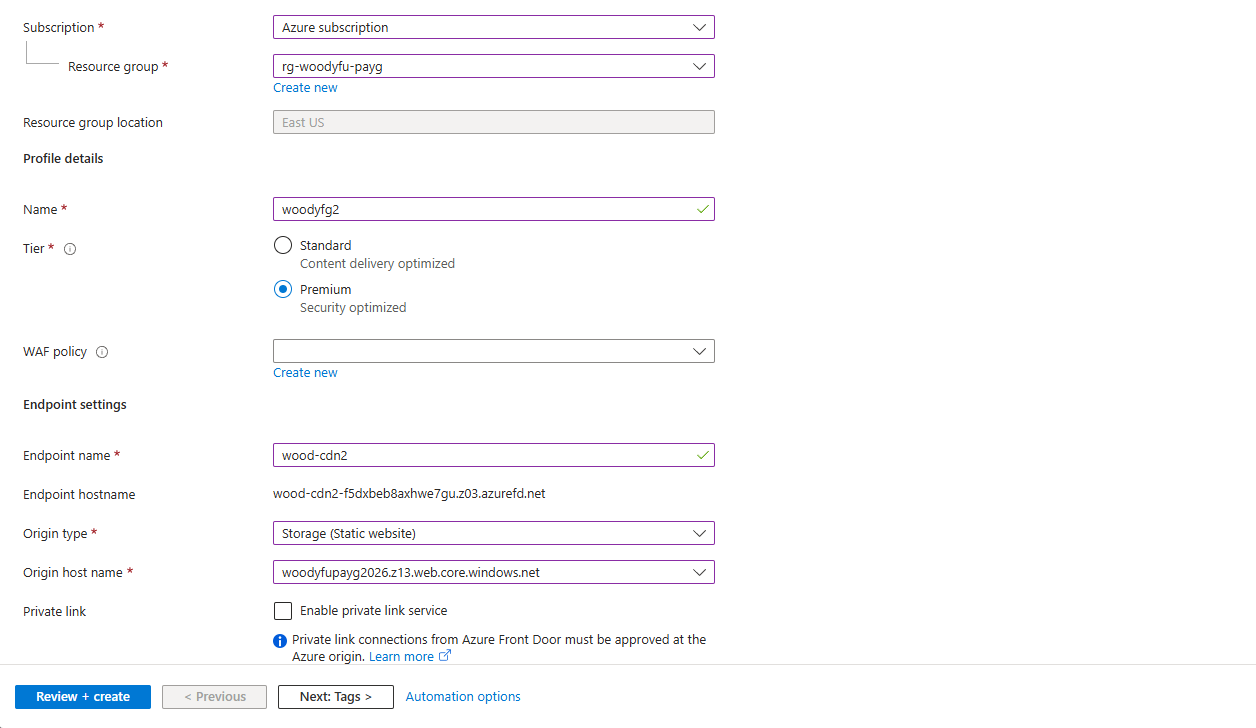
fill out your front door profile, make sure to do premium
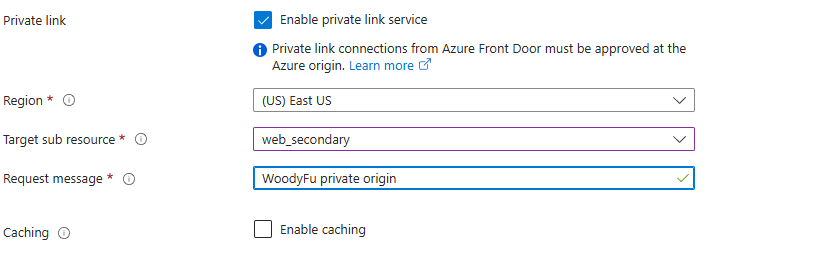
enable private link and fill out the form then pretty review+create
Next go to origin group, click on your new origin group and add origin
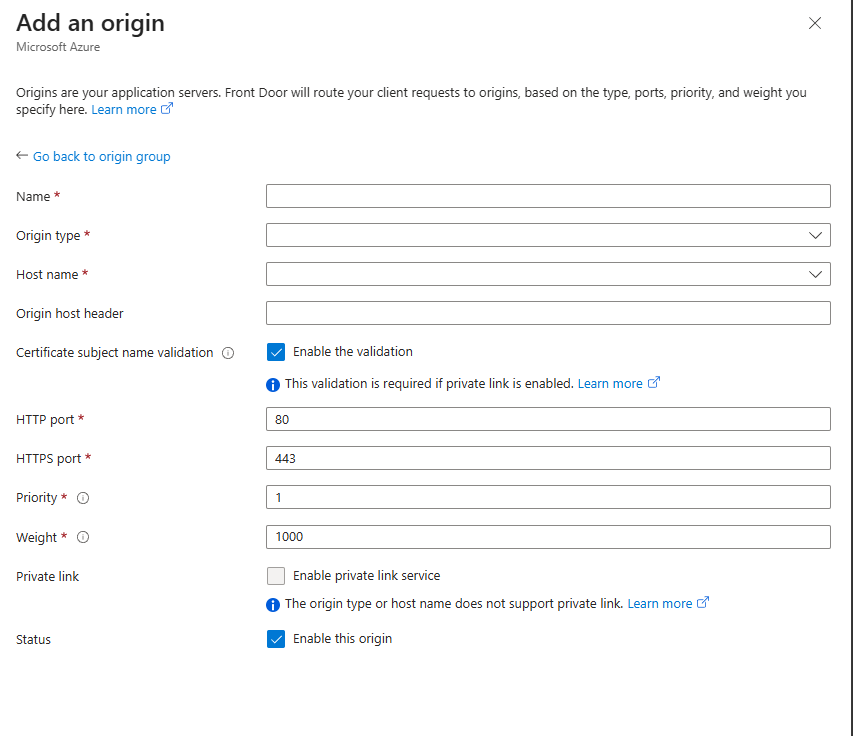
Make sure to have enable private link service and enable certificate subject name validation.
Next enable your private endpoint connection and wait for the approved message
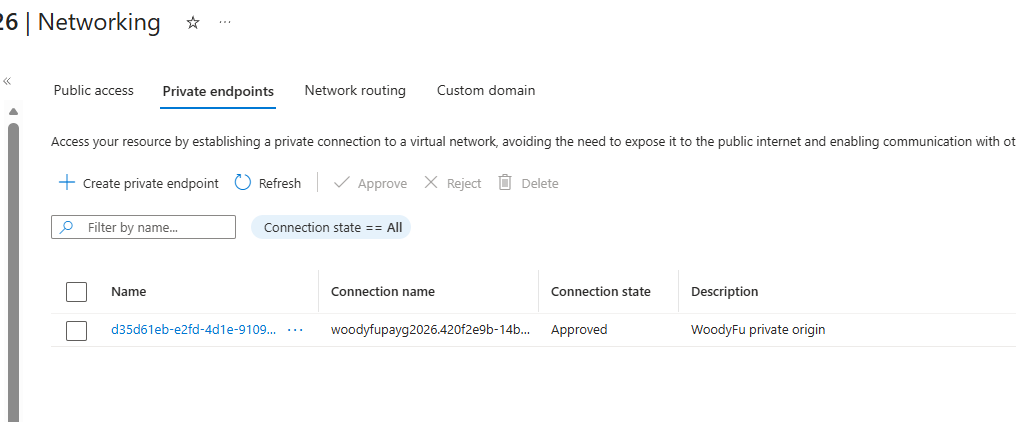
Next go to frontdoor manager and add the endpoint and fill out all info
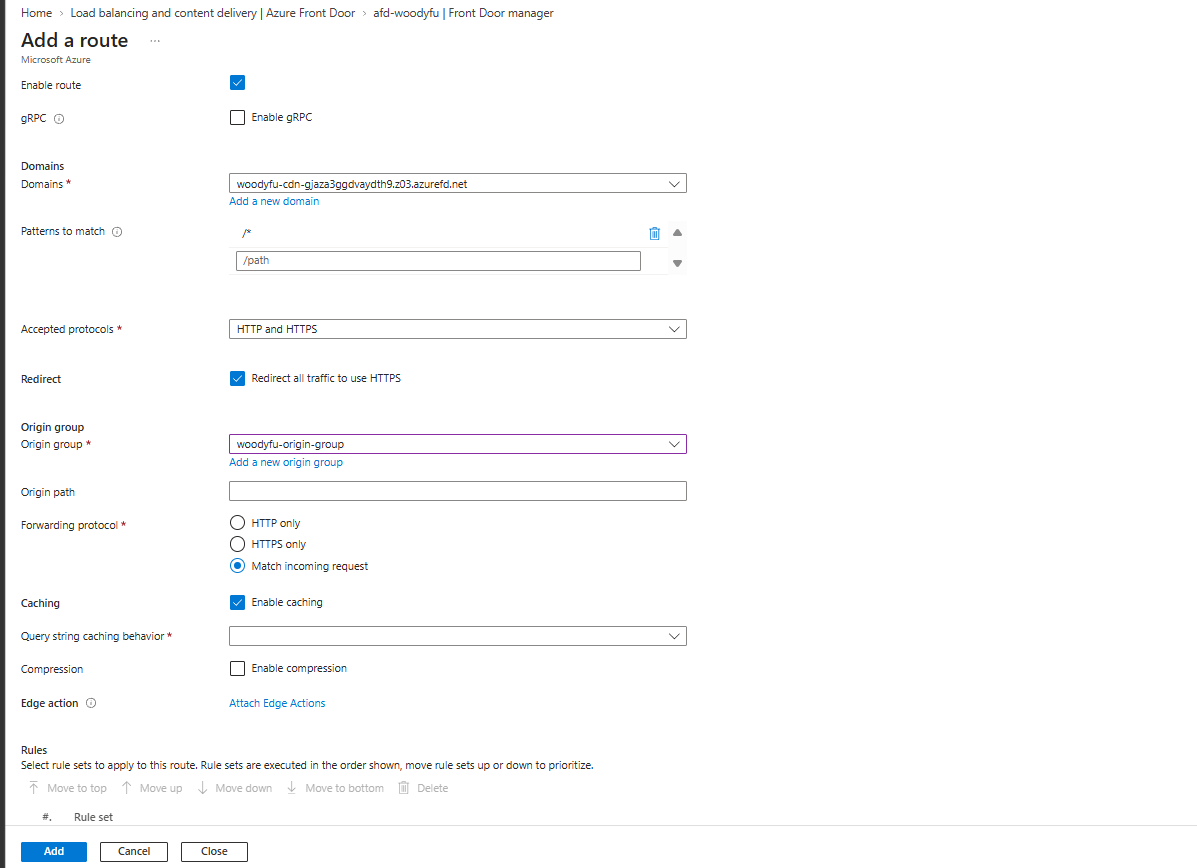
after everything propogates test your site to make sure it up
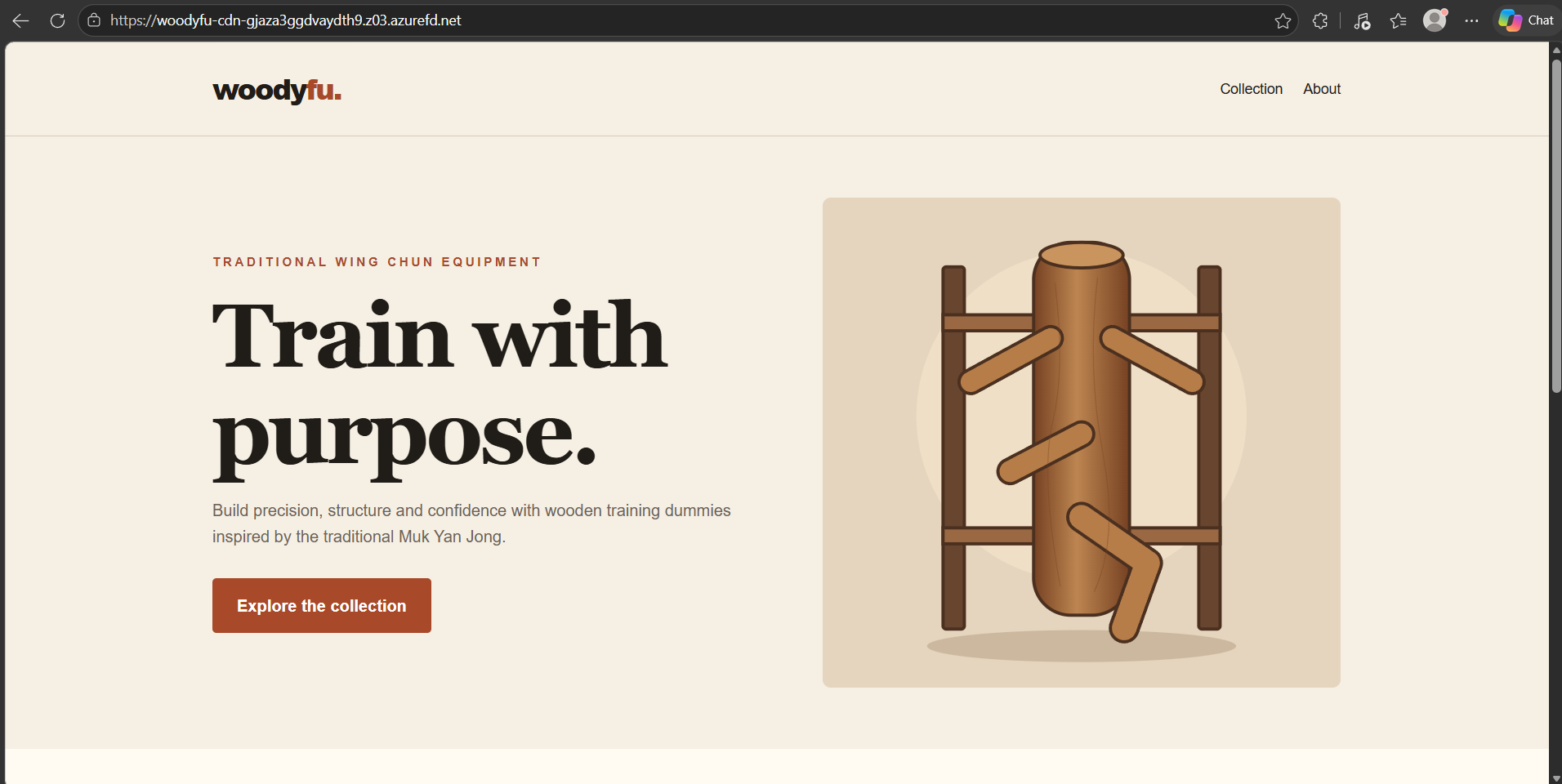
finally before moving to waf disable public access
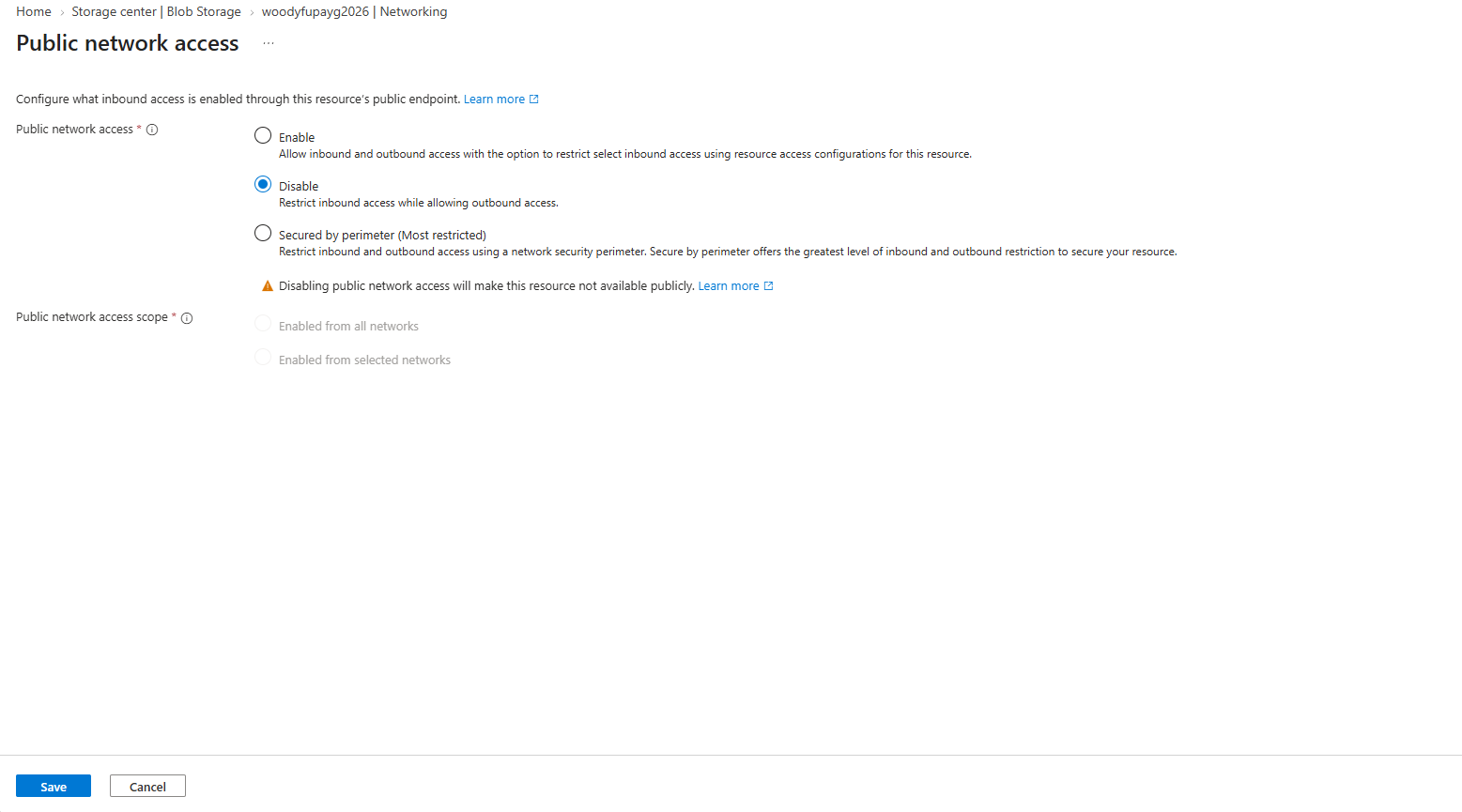
WAF IT UP
Next lets head over to Web application firewall and create a new one
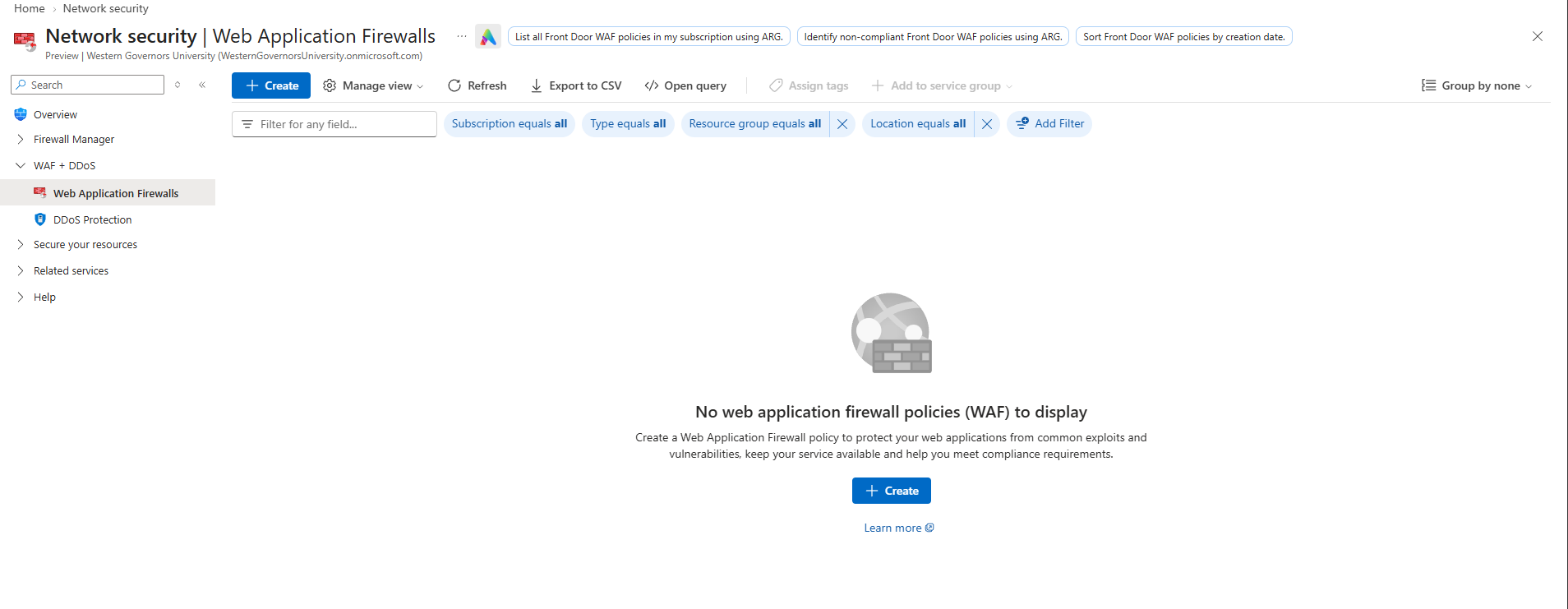
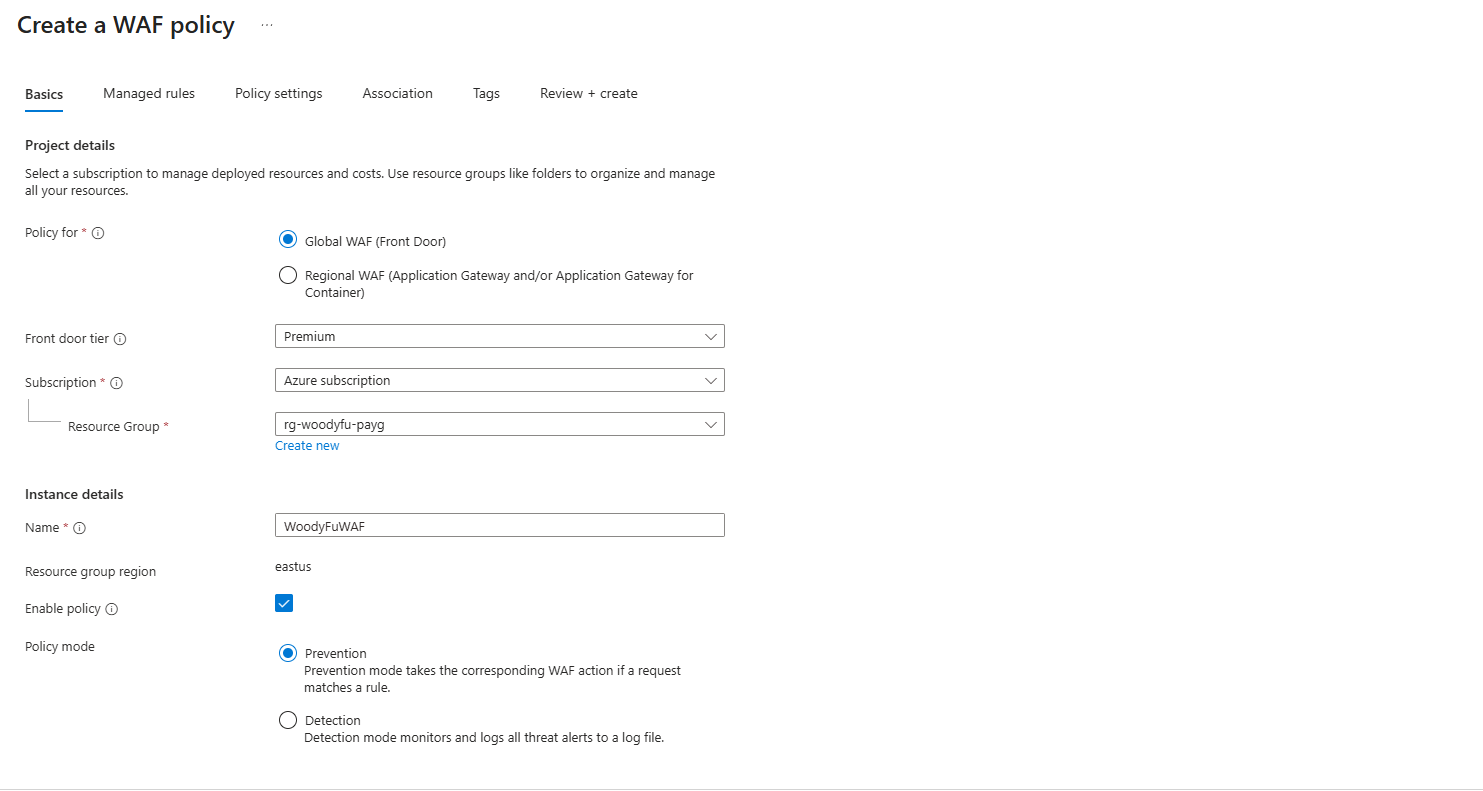
Fill out your policy, make sure it is premium
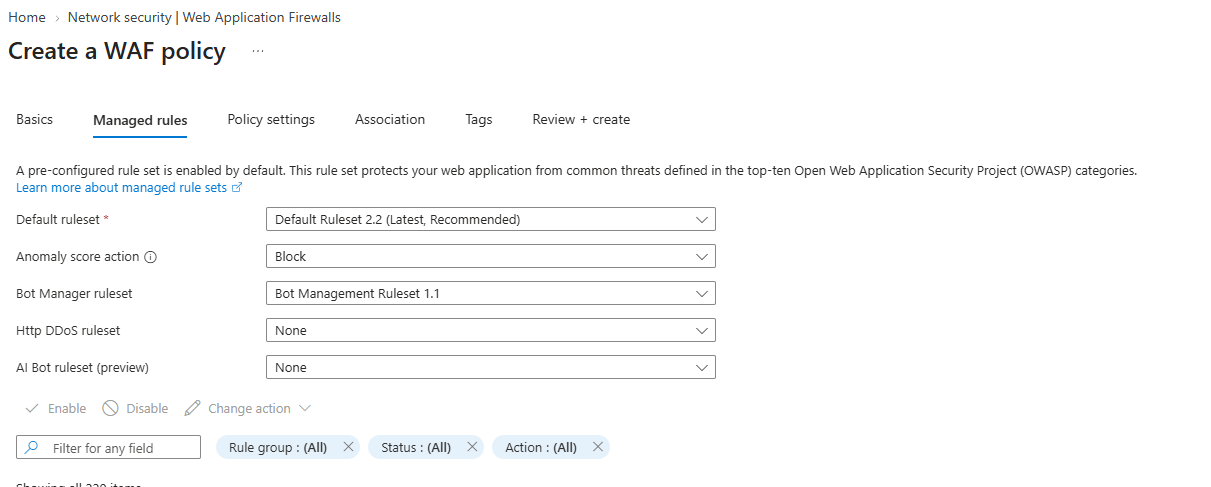
next setup your rules
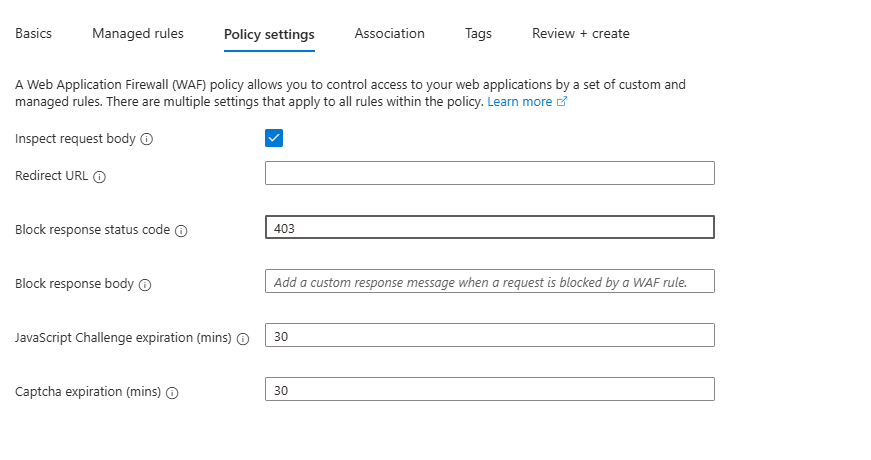
fill out your policy settings
add your front door association

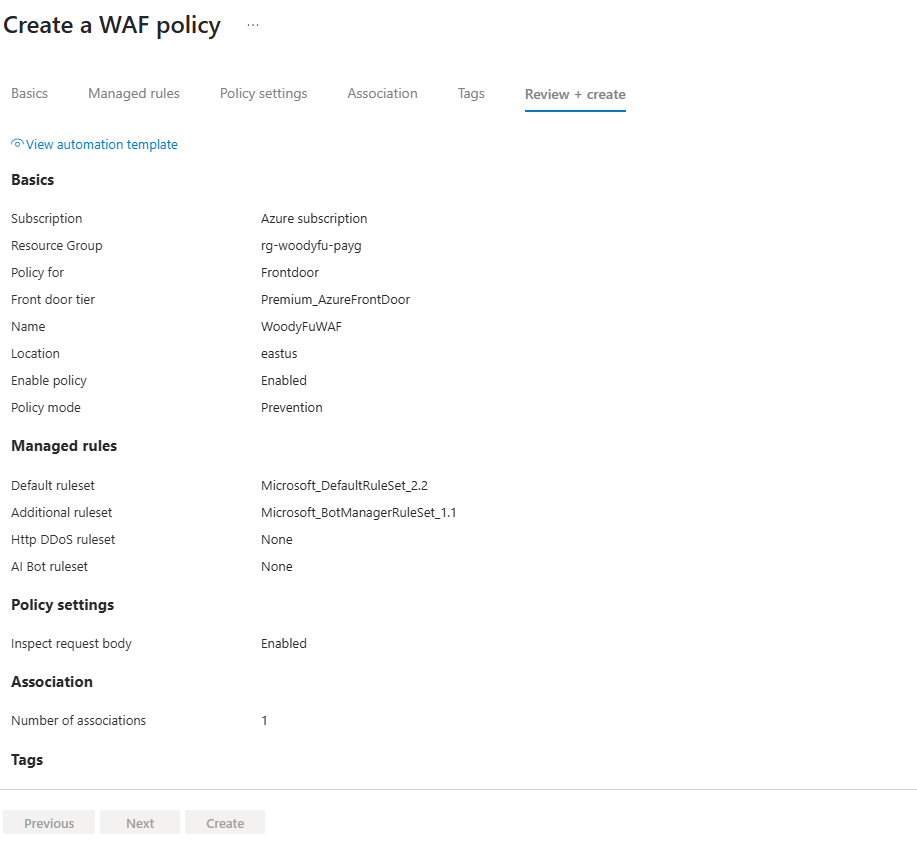
confirm and create your waf
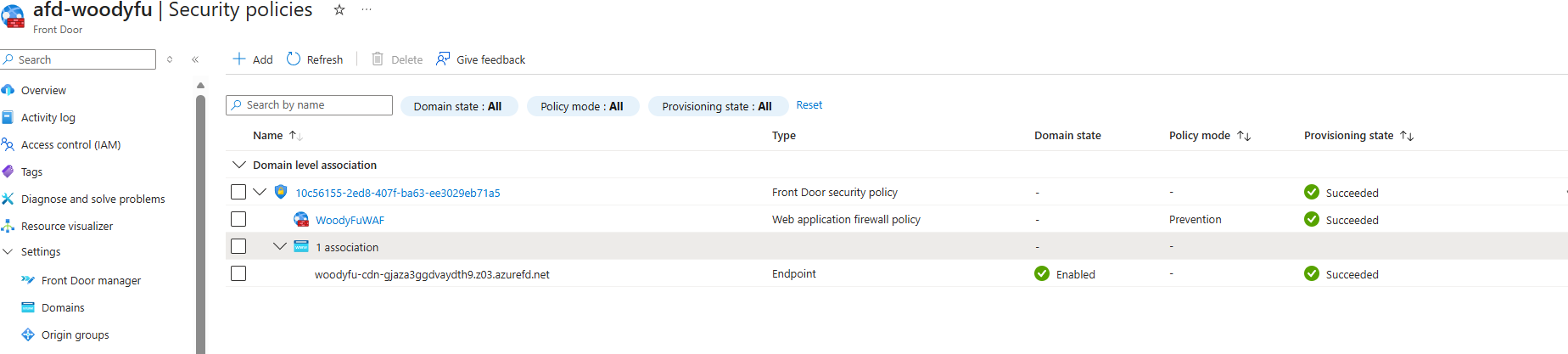
Verify the WAF and its association in front door security policies
TEST IT
Go to your website and perform like an SQL injection or something to manipulate the url especially around encoding


Boo the XSS attack was blocked.
Lets do the IAM
- Create an Entra ID user
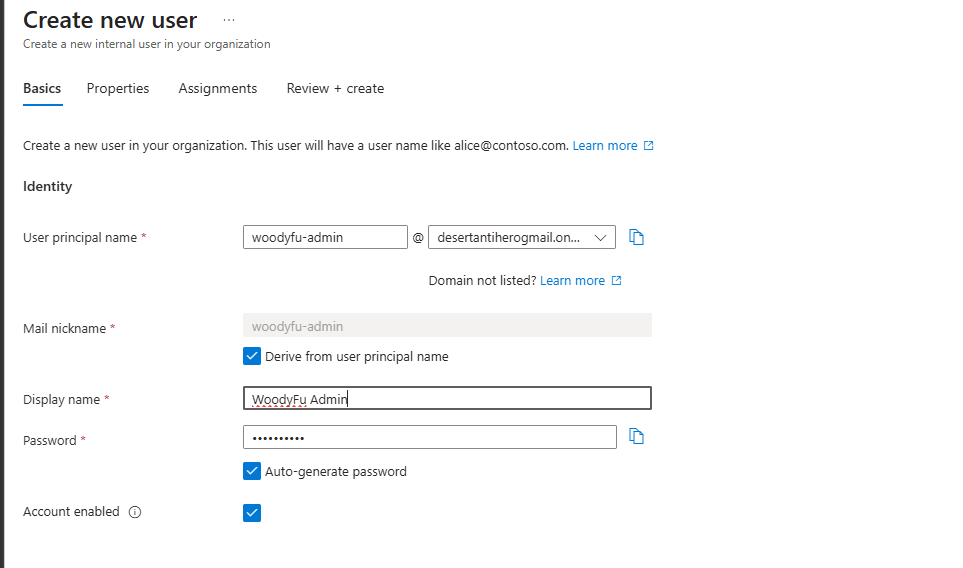
Next go to IAM > Role Assignment > Privlege user > Contributor and add your user
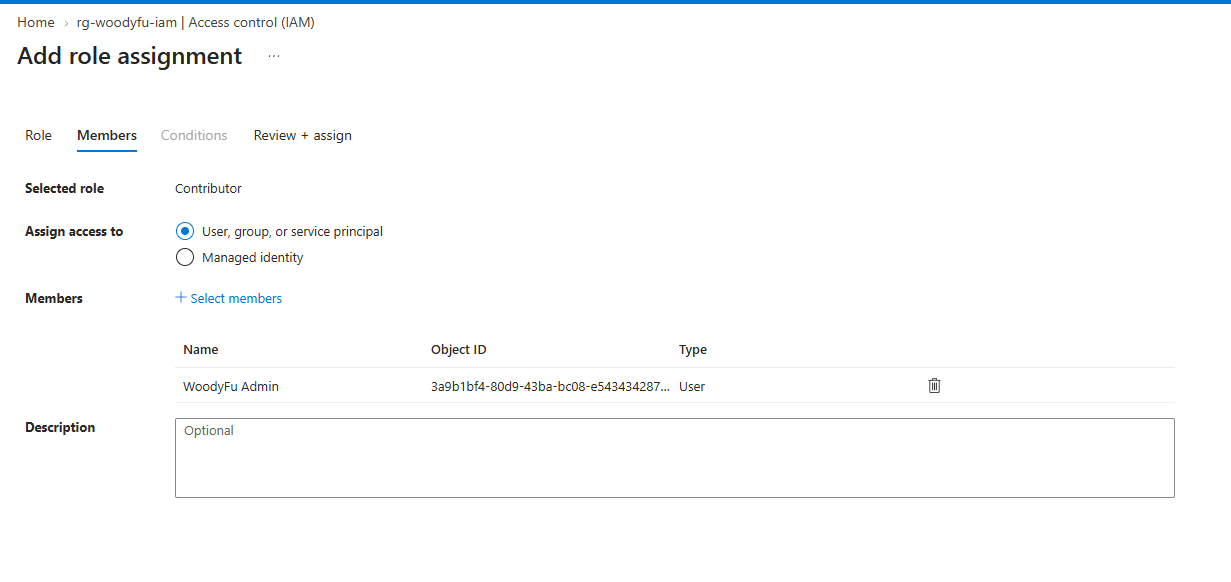
Login into the new account and check if you have the correct permissions
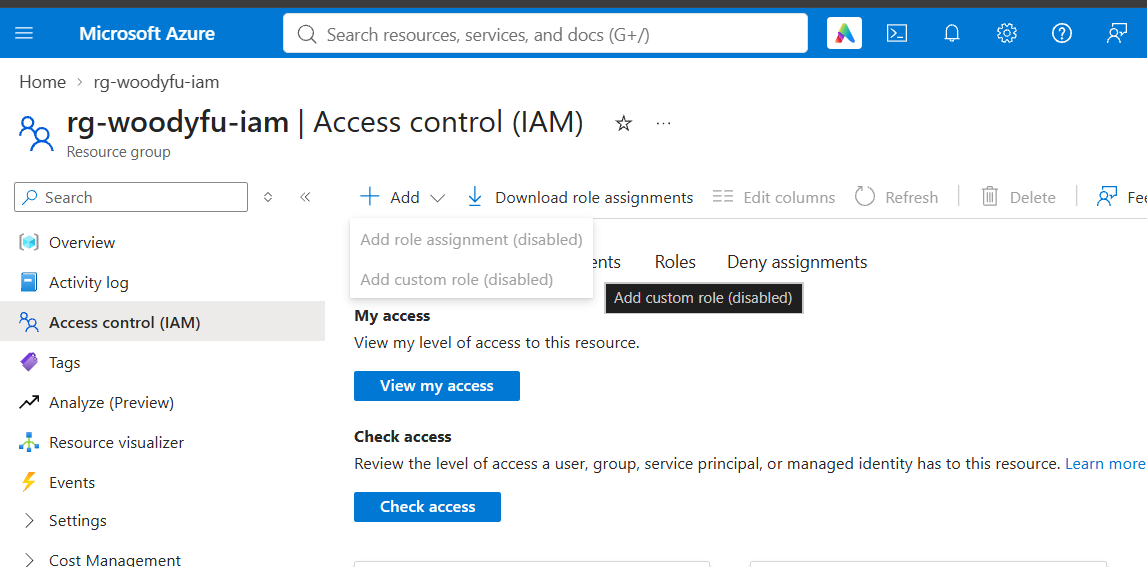
you can see that mine cannot assign rbac or custom roles thats good.
Note: At the time of writing I had to do MFA at the first sign in, be prepared for that
Phew I know that was alot but this should help you to build your own azure lab and secure it with a WAF and entra id for security!